How it works
A camera that runs the model on its own sensor, a small computer that draws the dashboard, and your phone for the typing.
The camera does the seeing
RoadEye's AI camera runs the sign-detection model on its own sensor. The device receives boxes, not pixels to search, which leaves it free for the screen, the map and the recording.
The device does the thinking
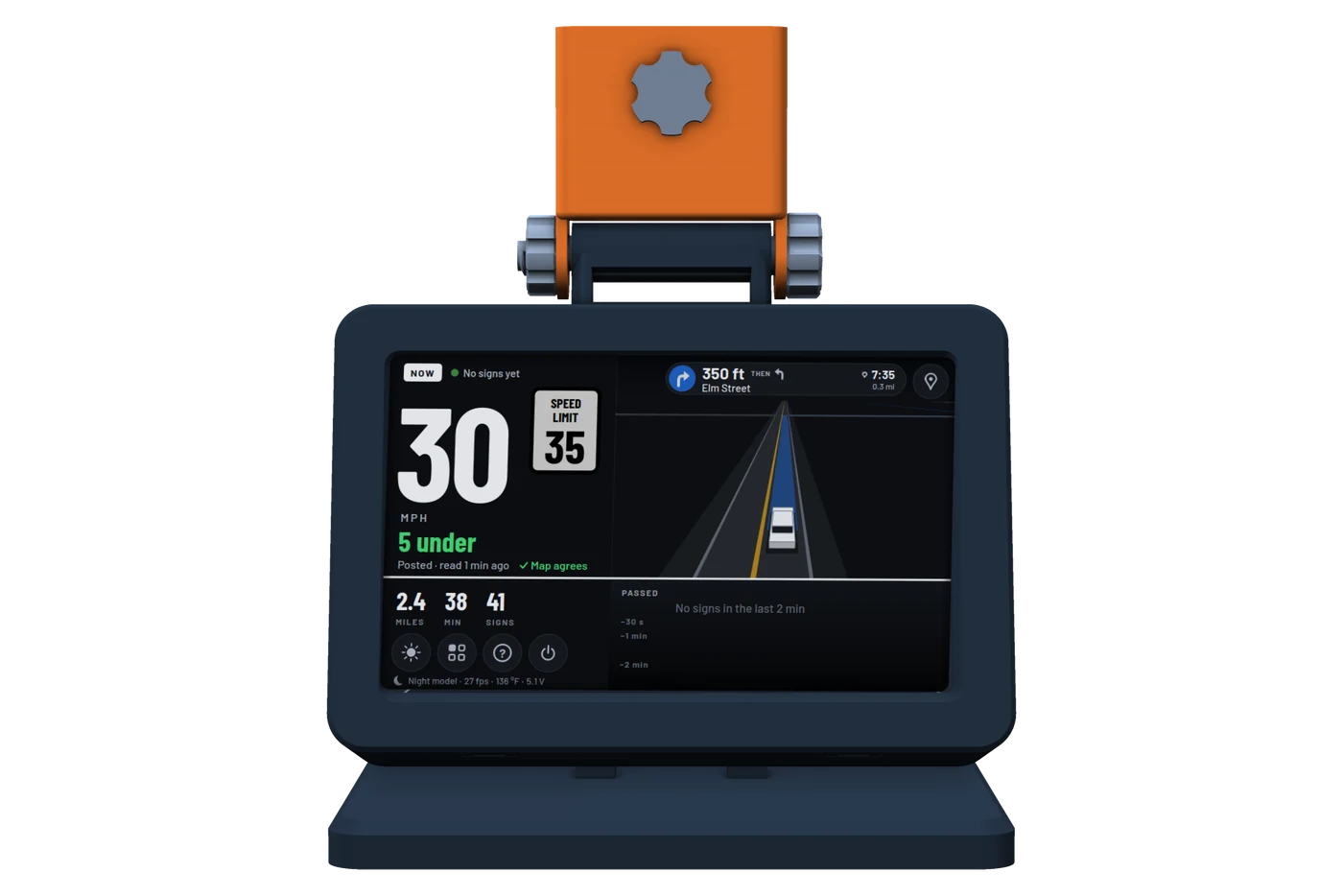
Every detection is confirmed over several frames, merged into one box per sign, cropped and read for its number. Speed limits are checked against the map, and the dial, the sign list and the mini-map are drawn 15 times a second on a 5-inch touchscreen.
Your phone does the typing
Searching for a destination, naming a saved place, scrolling the clips: things a touchscreen on a dashboard is bad at are done on the phone page, over the car's hotspot or your home Wi-Fi.
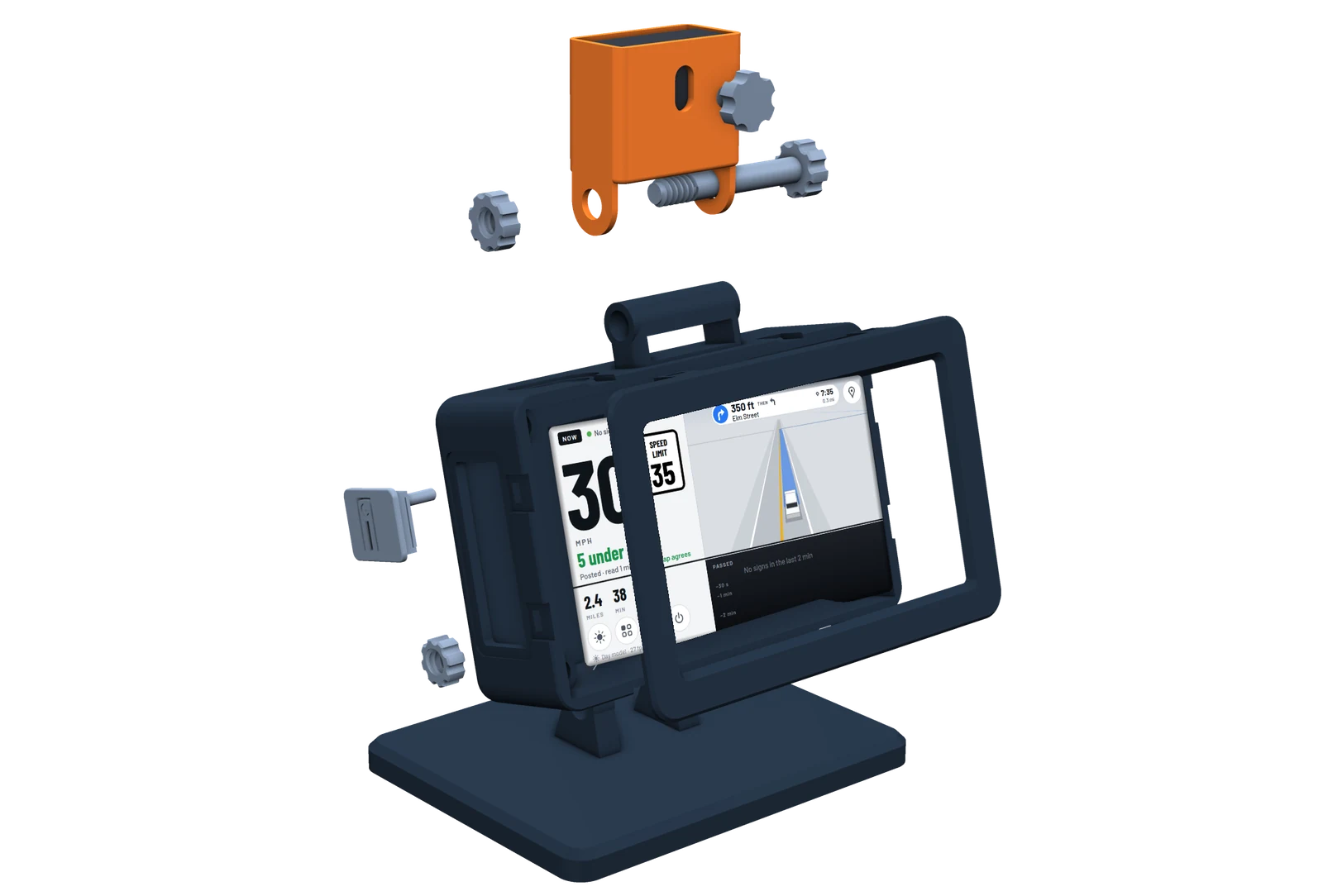
What's inside
- Camera
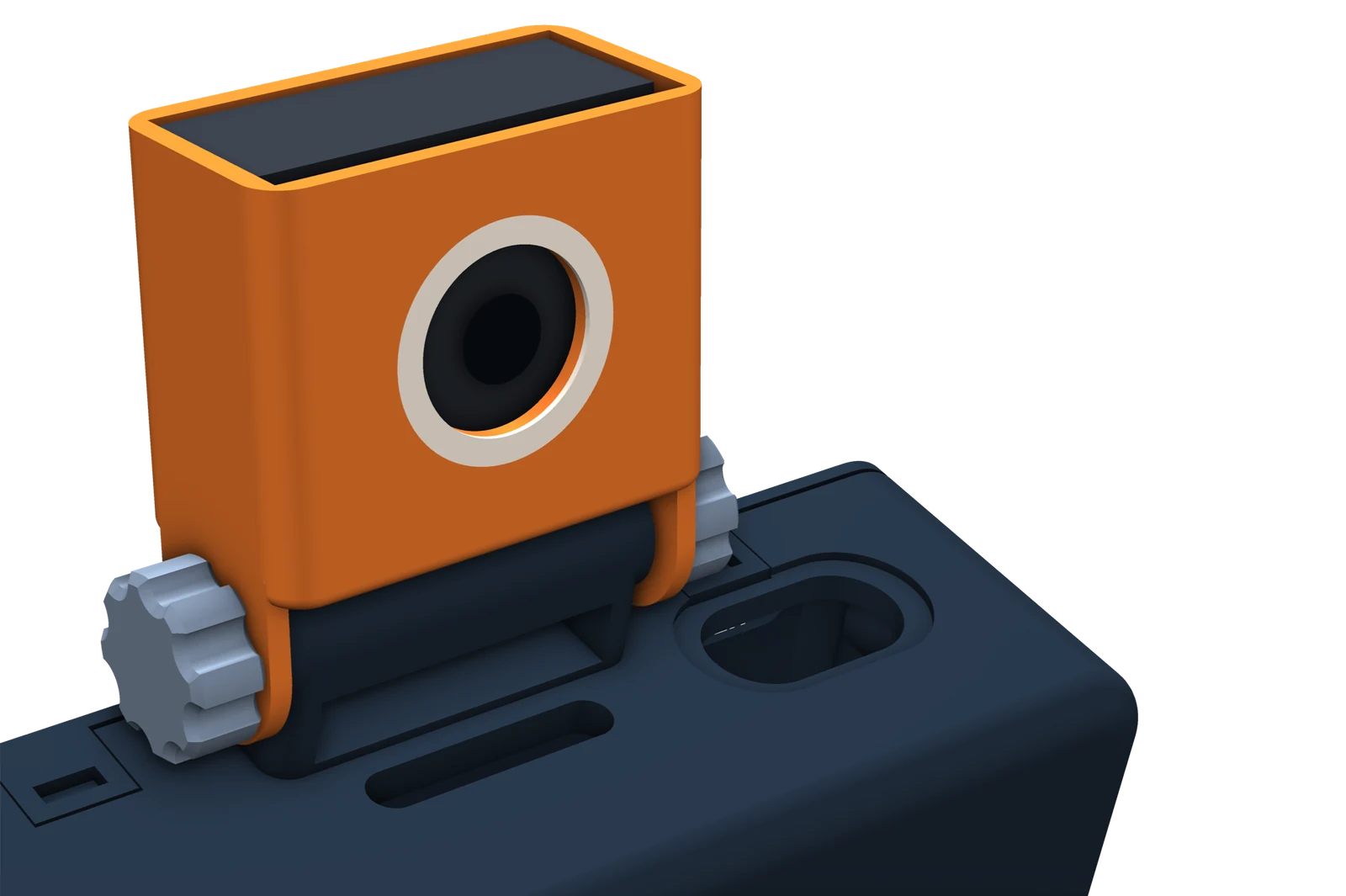
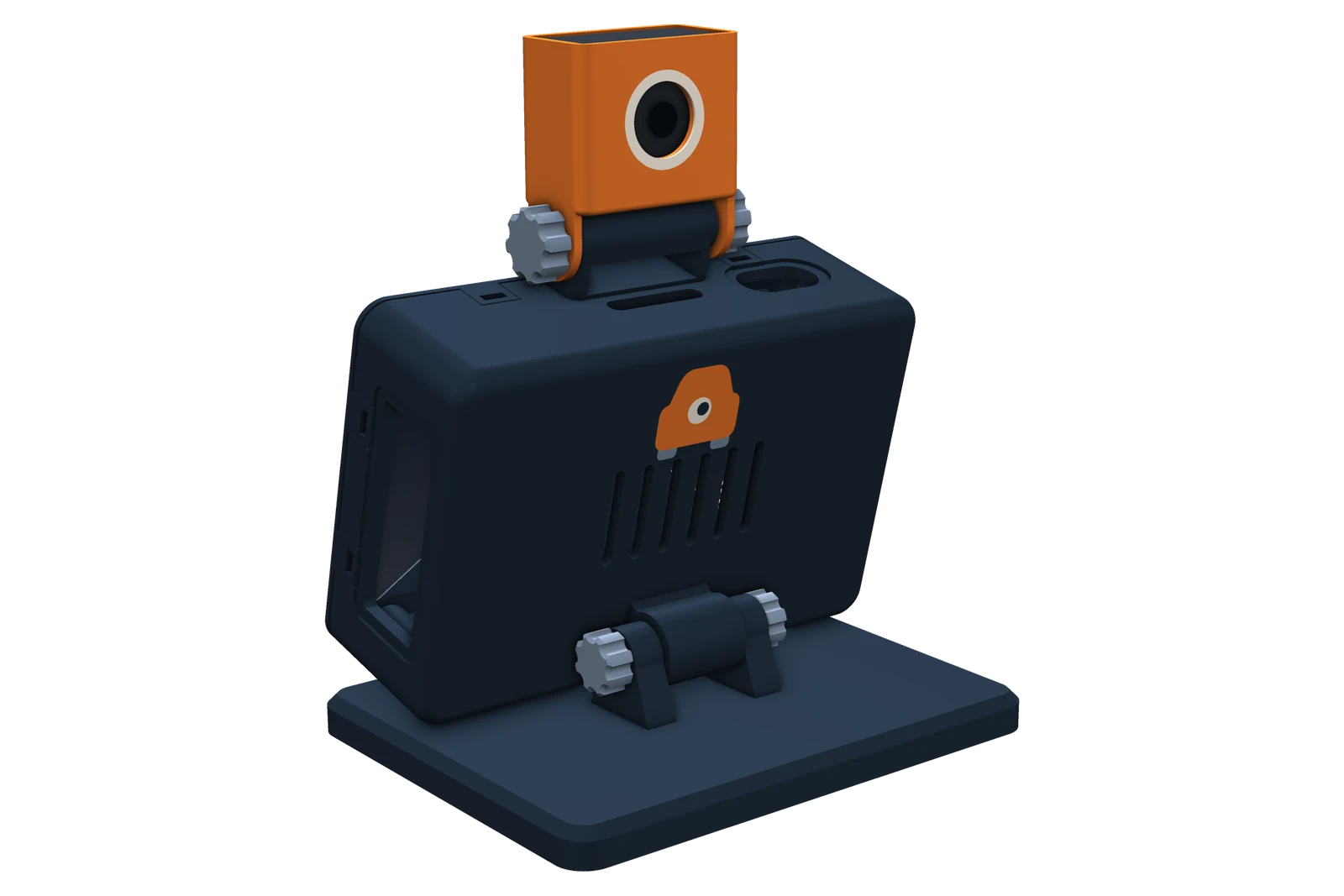
- An AI camera that runs the detection model on its own sensor, facing forward through the windshield
- Screen
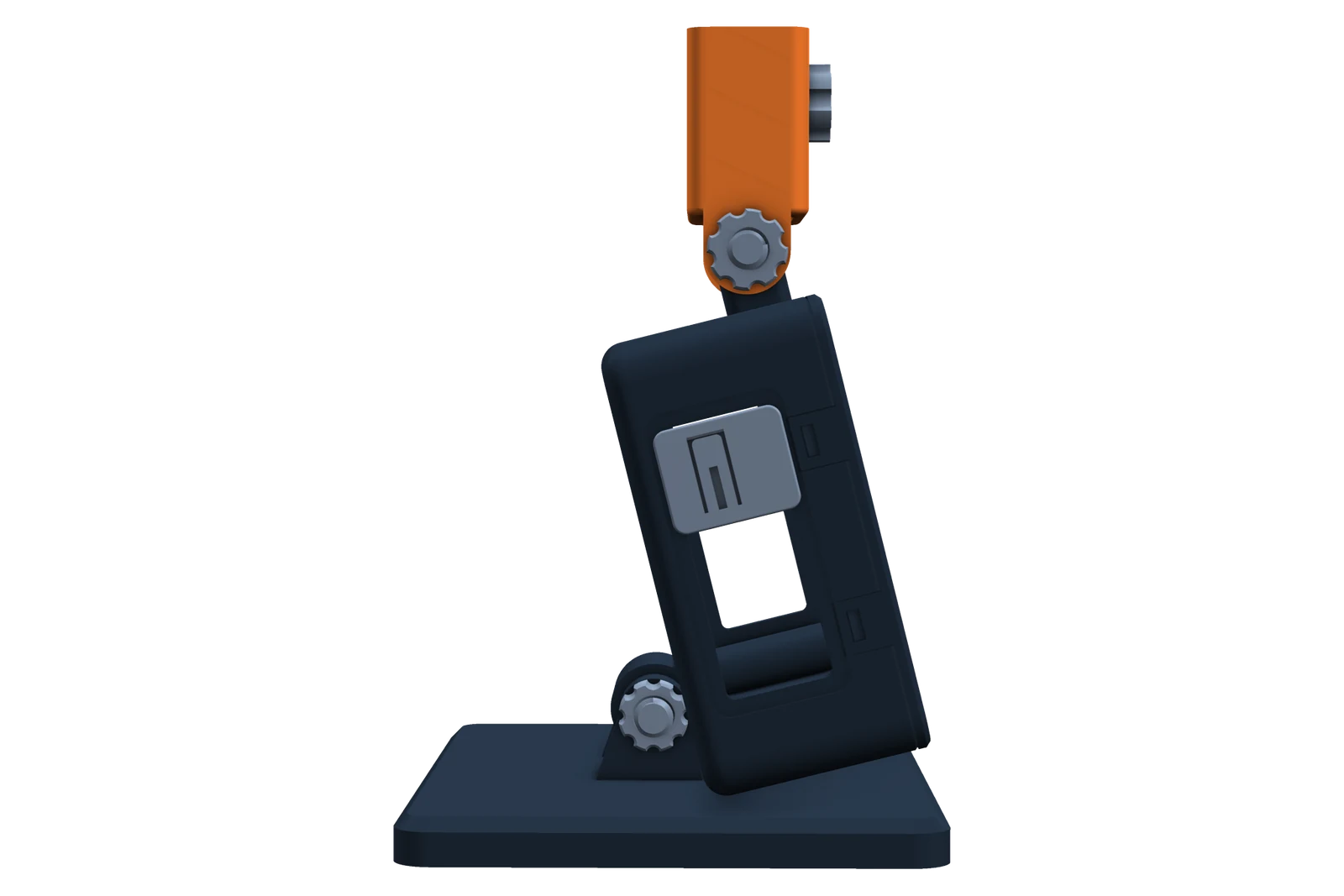
- A 5-inch touchscreen, 800 × 480, on a stand for the dashboard
- Power
- 5 V, 5 A (27 W) USB-C: in a car, a 12 V to 5 V 5 A converter with a USB-C output
- GPS
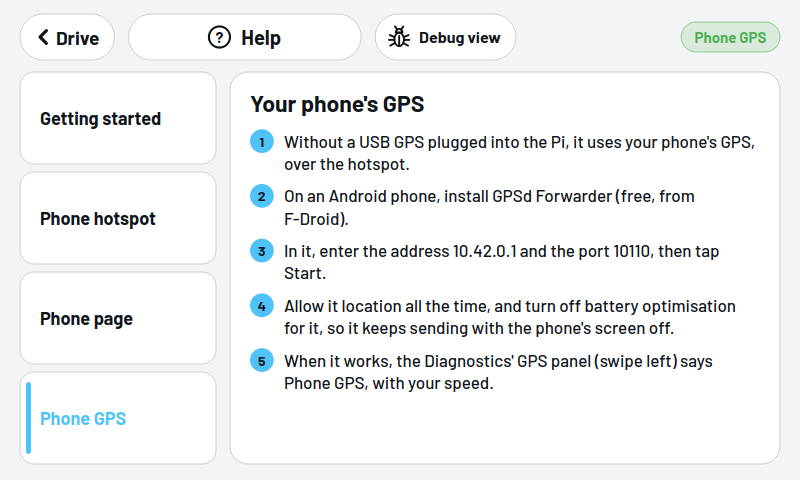
- Optional: a USB GPS, or your phone's GPS over its hotspot
- Storage
- A microSD card; the dash camera's loop takes its share of it
Setting it up
Put it on the dashboard with the camera facing forward through the windshield and plug it into power. It comes set up, and keeps itself up to date after that. The first start shows the RoadEye logo for about half a minute while the camera's model is prepared.
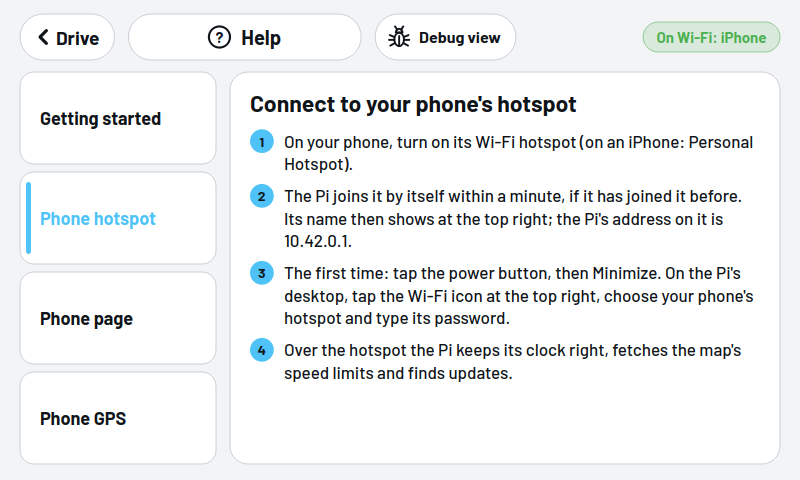
For map speed limits and directions, plug in a USB GPS or share your phone's: no setting up beyond the hotspot.
The device